“Nobody actually knows how many ‘high usage’ requests a user makes, but everyone knows their headcount and adoption trajectory”
The Why?
The next stage of Copilot adoption, and the next step in Microsoft Investment Management is managing Copilot Credits.
Prism, a solution I originally built to manage Microsoft Investment captures a significant amount of data across M365, Azure, Copilot & Security. Copilot specifically showcases who is using aspects of Copilot, Cowork, Agents. All showing how many times, how often and by who!
So using data from the Prism platform, we can look at the median number of users using different features across all tenants. From that, I built a model that predicts actual credit usage, based on the actual deployments of actual customers.
Many Copilot Credit calculators rely on sliders and guessed figures that, let’s be honest, nobody really knows how to set. How many “high usage” requests is a user going to make in a month? It’s all guesswork nobody actually knows the answer.
What we do know is how many users we have in a tenant, and everyone can give a reasonable idea of how their Copilot adoption is progressing.
My Copilot Credit Planner uses all of this, and more. Combined with the latest Copilot Credit Usage guidelines (August 2026), it predicts the expected number of credit-consuming users, as well as the estimated number of credits required.
The model also shows the recommended P3 tier (Copilot Credit Annual Prepayment) versus the Annual PAYG cost, and how pricing shifts as you combine tiers or step up to the next one.
Have a try! Any feedback get in touch, and if you want to see your actual Credit Copilot usage feel free to drop me an email at james@jamesmm.com or my work email at james.mounsey-moran@trustmarque.com
Over the past few months, I’ve been teaching my kids about AI, mainly through making pictures and songs. They’ve been in stitches as they have songs made up about them in the most ridiculous ways and they have started to understand roughly what AI can do.
But we hadn’t gone as far as building a game, until now!
We started with Microsoft Copilot, and the first game probably took less than 30 minutes!
Asking Copilot for Ideas
It all started with a simple request to Copilot. I said to the kids “ask Copilot for game ideas that can be built using HTML, CSS, and JavaScript” I wasn’t sure what we would get, but it gave us loads of ideas.
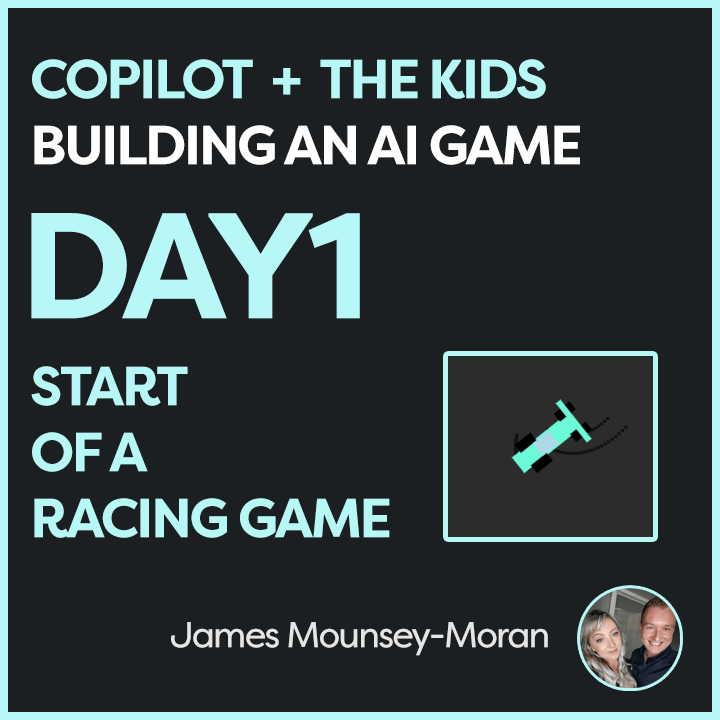
Copilot didn’t just give us some basic ideas. Instead, it helped us get a framework for a racing game. A simple, yet exciting project that we could expand upon and suddenly it was their game.
Designing
Once we had the foundation, the real fun began. The kids decided what they wanted to change, what they wanted to add, and what features would make the game their own.
We started with the basics: a car driving around a simple race track. From there, every idea was coming together all with the help of AI. They wanted to customize the car, change the environment, all sorts. They were learning to modify the code in real-time and seeing immediate results, which was awesome to be fair (I did Games Dev at Uni and this part used to take ages!)
Adding New Features
The best part about this whole experience was how they kept tweaking and adding new features to the game. Every time they played, new ideas would pop up. For example, they asked, “Can it rain? Or snow? Or thunder?” So, we started adding weather effects. “Let’s make the car change colour!” Press C to make that happen, of course. And, naturally from my daughter: “I want it to leave rainbows when I drive!” (Press R for that).
Watching them interact with the game, come up with ideas, and then modify it on their own was absolutely fantastic. It felt like the modern version of those “teach kids to code” programs they do at school, but with the ability to chat with AI, boost their understanding of the code and implement it.
I uploaded the game to linkedin. I could already see their faces light up at the thought that someone else, maybe thousands of people, could play the game they built. For a 10-year-old, that’s a huge deal!
What’s Next?
The kids are already thinking of ways to improve it, and new features keep coming up. It’s been incredible to see their passion and the way they’ve embraced coding, technology, and AI in such a hands-on way. So I will keep track of how things change, what new things they learn. Questions they ask about AI. AI especially GenAI feels relatively new and exciting for us now, but it will be fully part of their future.
It’s a reminder of just how powerful AI tools like Copilot can be for creativity and learning. It’s not just about summarising Teams meetings or writing documents it’s about sparking imaginations and helping kids learn through play.
If you’re thinking of starting a project like this, I highly recommend it. We started with a simple prompt: “Give me game ideas that you can build using HTML, CSS, and JavaScript.”
What happens next is incredible. Watch your kids learn, play, and create something amazing and in no time, they’ll be adding their own ideas to the mix.
Turns out I am now Product Managing my kids!
Building a game with AI – Microsoft Copilot (on Linkedin)